How to turn rough inspection notes into write-ups customers approve
A repeatable workflow that turns scribbled tech notes and blurry photos into plain-English recommended-work summaries with priorities, so the estimate stops being the bottleneck.
- Works with one AI subscription such as ChatGPT or Claude
- The tech's own notes and photos are the raw material
- A human reviews every write-up before it reaches the customer
- Setup is one prompt template, one review habit, and practice
The scene repeats itself in shops across Phoenix, Tucson and every industrial park between them. A technician finishes a multi-point inspection, hands over a clipboard of abbreviations, ballpoint scribbles and a few blurry phone photos, then goes back on a lift. That evening the owner sits at a desk translating it all into an estimate, guessing at what the tech meant, and typing explanations the customer will skim anyway. The customer calls back the next day with one question: what actually needs to be done, and what can wait?
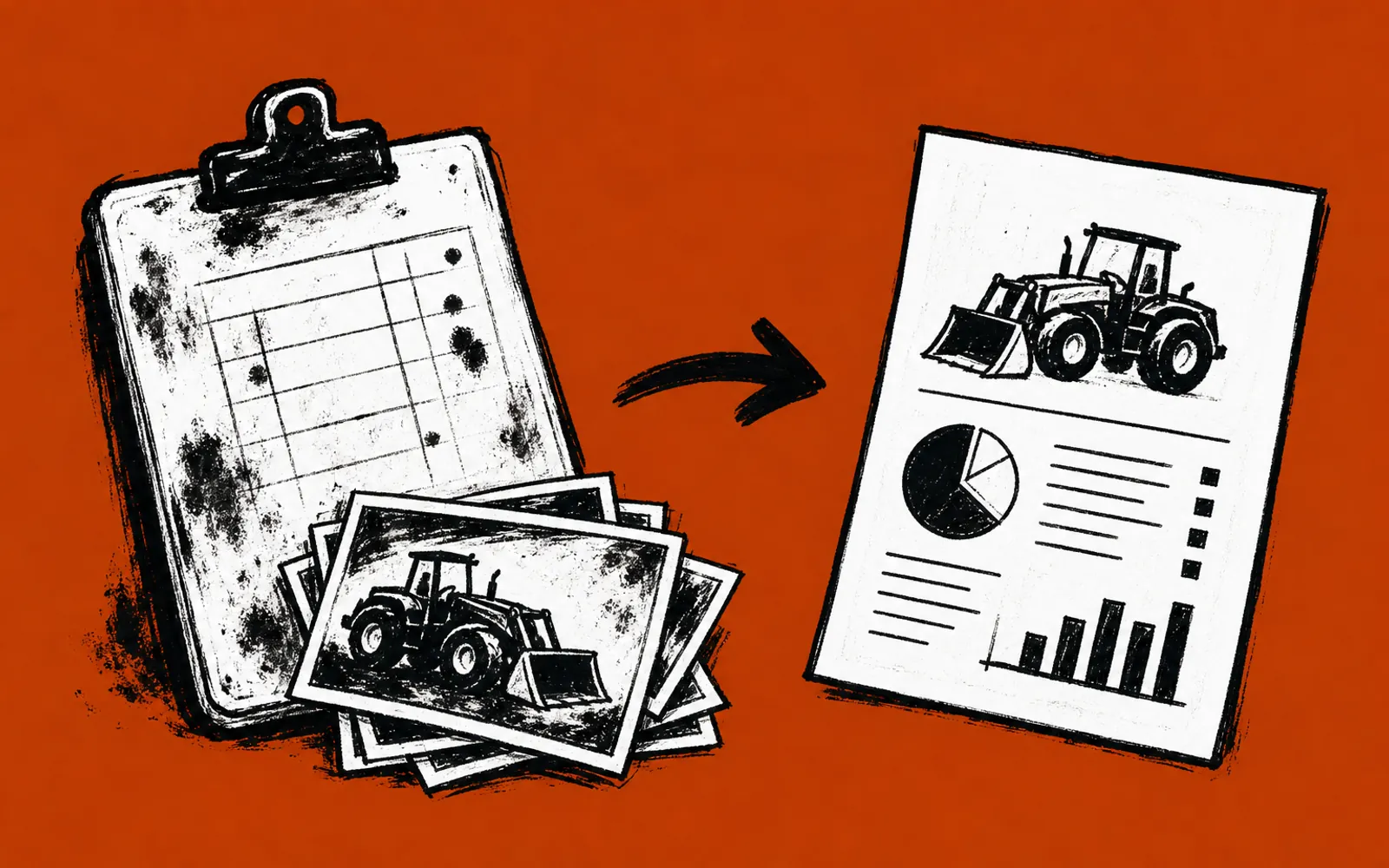
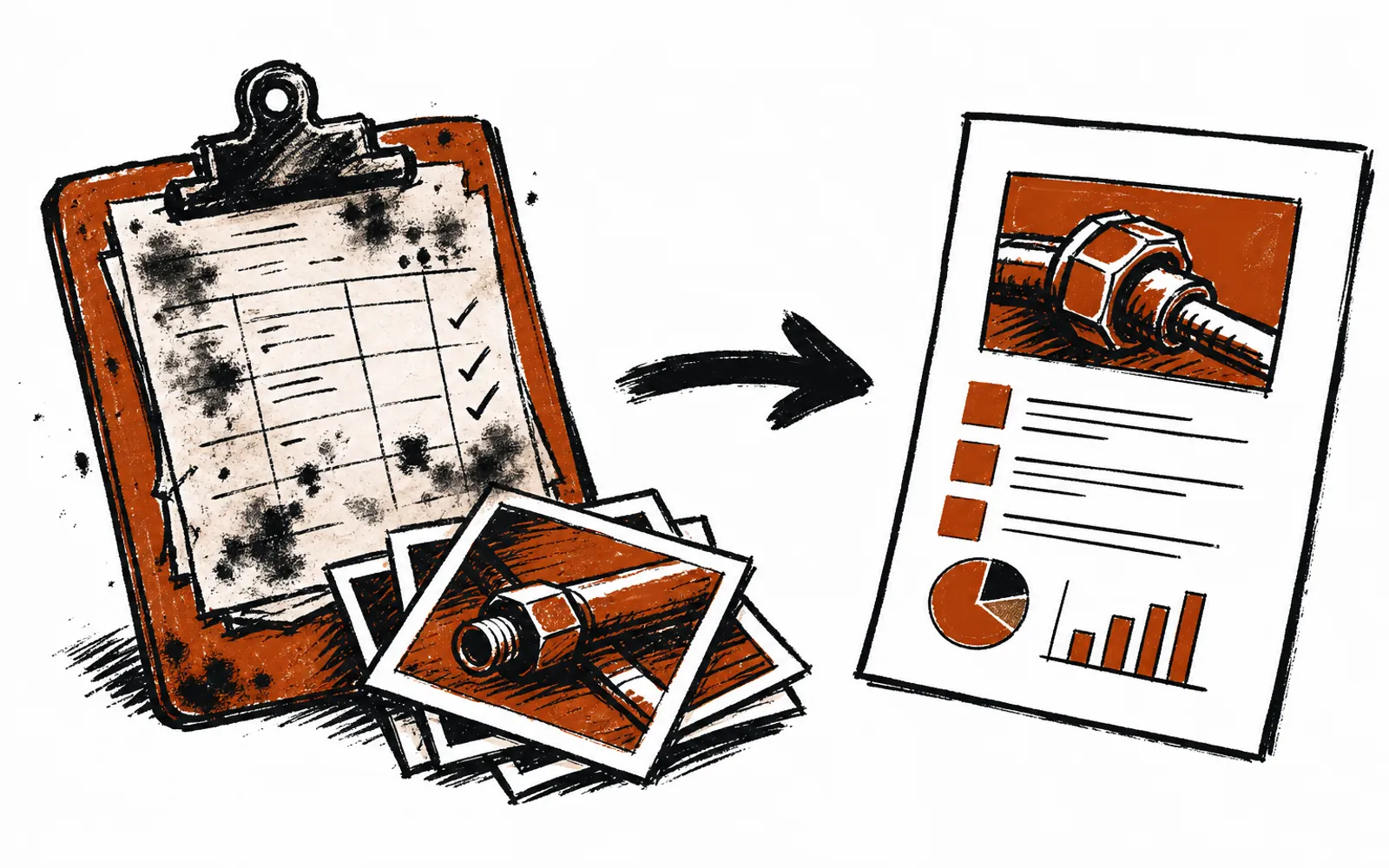
This workflow fixes the translation step. An AI assistant such as ChatGPT or Claude takes the technician's raw notes and photos and turns them into a clean, plain-English recommended-work summary, ordered by priority, that a customer can read in two minutes and say yes to. The technician still inspects. The owner still reviews. The AI does the rewriting that used to eat the evening.
That is a large pool of vehicles and a large pool of customers who have to be talked into repairs. Phoenix alone counts about 1.65 million residents in the city proper, and the greater metro about 5.18 million, per the 2024 Census estimate cited by Visit Phoenix. Every one of those households is a potential customer who will read a recommended-work summary before approving anything.
What the workflow does
A prompt, in plain terms, is the written instruction given to an AI assistant telling it how to do a job. For a shop, the prompt says something like: here are my technician's inspection notes and photos. Turn them into a customer-facing summary. Group the work by priority: safety first, preventive second, optional last. Use plain wording a non-mechanic understands. Keep every finding tied to the part or system it came from. Do not add anything the notes do not say.
The output is not an estimate. The shop's pricing stays where it belongs, in whatever system already quotes parts and labor. What the AI produces is the narrative layer: what the technician found, why it matters, and what happens if the customer waits. That narrative is usually what slows approvals down, because it is the part nobody has time to write well.
Who it is for, and who it is not for
It fits owner-led shops and detailers where one person writes most of the customer communication and inspections are routine. Auto repair, mobile detailing, RV service, brake and tire shops, fleet work. Any business where a technician looks at a vehicle, records findings, and someone has to explain those findings to the person paying the bill.
It is a poor fit for shops that already have a service writer with a polished inspection-to-estimate pipeline through their shop management software, and no friction in it. It also does not fix inspections that were never done properly. The AI rewrites notes; it cannot manufacture findings that were not recorded, and a shop should never ask it to.
Setting it up
- 01Standardize the capture
Give the tech a fixed form: item inspected, condition found, photo, severity. Abbreviations are fine as long as the same ones are used every week.
- 02Write the prompt template
One reusable instruction covering priority tiers, plain wording, photo references and the rule against adding anything the notes do not say.
- 03Run the first three notes through
Paste a real set of notes and photos into ChatGPT or Claude and read the output with the tech nearby, correcting wording while the work is fresh.
- 04Fix the template, not the output
When something comes out wrong, change the prompt template so the same error cannot repeat. The template becomes the shop's standard.
- 05Add the review habit
No write-up reaches a customer without one human reading it against the original notes. This is the honesty gate and it stays forever.
- 06Save the winners
Keep the best write-ups in a folder. They train the shop's sense of what a good summary sounds like and speed up review.
Photos need one line of attention. Most AI assistants accept attached images, and a summary that references photo numbers reads better to a customer than text alone. The prompt should tell the AI to tie each finding to its photo number and to describe only what is visible, without speculating about cause.
Keeping it honest
The honesty rules are simple and worth writing down. The AI never names a failure the technician did not record. The AI never inflates a severity to match a sales goal. The reviewer checks every write-up against the raw notes before sending. If the AI writes something the tech did not say, the write-up gets cut, not softened. A shop that follows those four rules has a workflow that holds up when a customer asks why a recommended service appeared on the list.
What it costs and where the help is
The only required tool is one AI subscription, such as ChatGPT or Claude, paid directly by the shop. Everything built through the workflow lives in the shop's own account and stays the shop's property. An owner who wants help standing this up can get it without taking on a project. AZ AI Lab, an Arizona company working with owners across the state on Zoom, sets up this kind of workflow during its working calls. Its AI Concierge pairs a business with one person who learns the shop, holds two 1-hour calls a month on real tasks, and answers questions between calls by voice or email with no limit. Its AI Training for Business teaches the same skill to a whole service desk in 90-minute hands-on sessions built on the shop's own approved tasks, with take-home routines and safe-use ground rules.
The first step with them is a free 25-minute fit call that looks at two tasks repeating in the owner's week and picks a first result worth having. An owner who prefers to work alone can follow the steps above with a personal AI subscription and reach the same place, just more slowly.
Questions owners ask
The workflow earns its keep in the evenings it gives back and in approvals that stop stalling on a customer who did not understand what they were reading. Start with one inspection, one real set of notes, and one hour. That is enough to know whether it belongs in the shop.