
What your bookkeeper wants you to know before you let AI touch your receipts
AI can do the sorting and the typing. A person still has to check the numbers before they reach the books.
- Hand AI the sorting, the typing and the summarizing, and keep the judgment calls for yourself.
- Check every line the AI produces against the actual receipt image before anything is entered.
- Give the bookkeeper a checked list, the original images and a note on anything unusual each month.
- The routine works the same at five receipts a month as at fifty.
It is month end, and the receipts are in a shoebox or a phone gallery. The owner photographs them one by one, pastes the numbers into an AI chat window, and wonders whether the books can trust any of it. The answer from the bookkeeping side is simple. AI can do the sorting and the typing, but a human still has to catch its mistakes before the books see them.
Sorting and summarizing is the part of receipt work that eats an evening, and it is the part AI does well. Judging whether a number belongs in the books is the part that protects the business, and it stays with a person. Owners who keep that line get the time savings without importing errors into their accounting records.
What is safe to hand to AI
Sorting is the first safe job. Hand AI a stack of receipt photos or a folder of PDFs and ask it to group them by month, by vendor, or by type of spend. Grouping is low risk because a person can see the groups at a glance and fix anything misplaced in seconds.
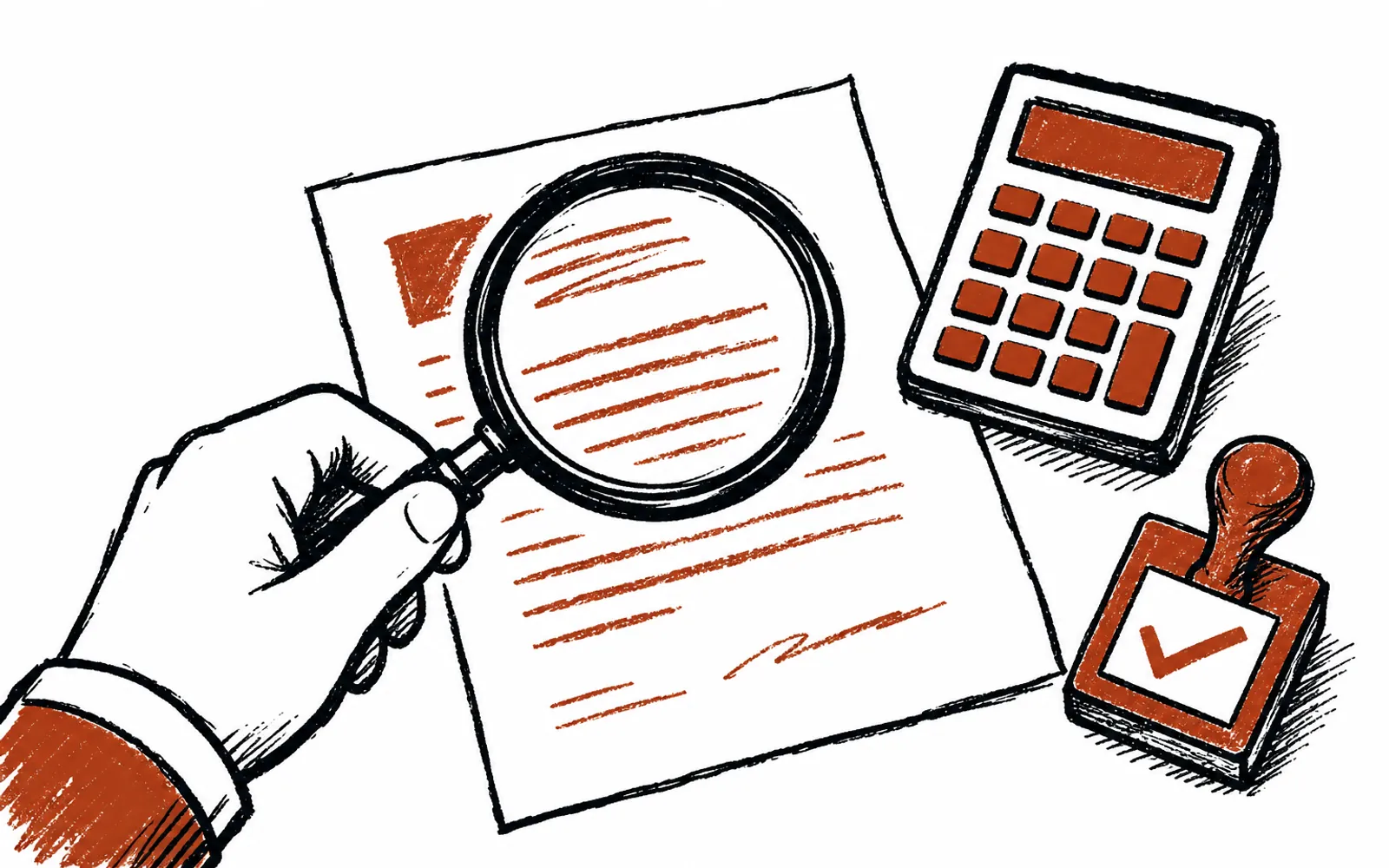
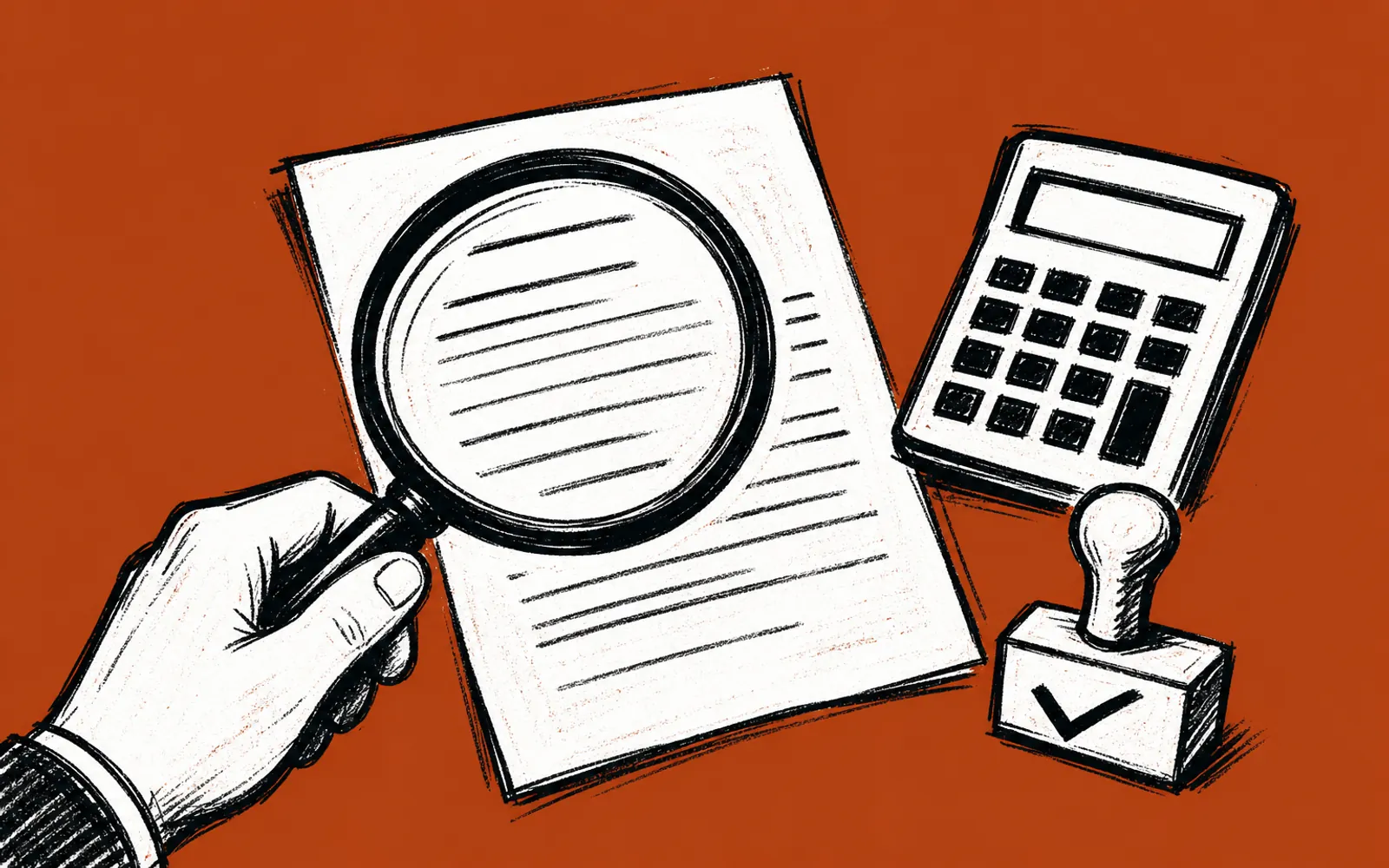
Pulling out the plain fields is the second safe job. A readable receipt has a vendor name, a date, a total, and a tax line, and typing those into a spreadsheet is exactly the kind of mechanical work AI does quickly. The output is a draft. The owner or the bookkeeper reads it against the image and confirms each line before it counts.
Summarizing is the third safe job. Once the month's receipts are in one place, AI can produce a short summary of where the money went, which is useful for spotting a category that grew or a vendor that doubled. This guides the human's attention. The books still come from the checked numbers.
What is not safe
Anything that touches the actual accounting records stays with a person. Deciding the expense category, handling tax, splitting a mixed personal and business receipt, and entering anything into the bookkeeping system are judgment calls. AI can suggest, but a suggestion that goes in unchecked is how errors become part of the financial record and get discovered at tax time.
What to check before anything reaches the books
AI reads a photo, and photos are imperfect. Crumpled paper, glare, faded ink and handwriting all make the picture harder to interpret, and an AI will still type an answer even when the image is unclear. A careful monthly check covers a short list of things that are easy to get wrong when a machine reads an image.
- The total. Compare the AI's figure against the receipt image, especially on creased or glared paper where digits are easy to misread.
- The date. Confirm the date is right so the expense lands in the correct month.
- Tax. Check that tax was handled the same way on every line, so the totals match the statement.
- The category. Assign expense categories yourself rather than accepting a guess, especially on ambiguous purchases.
- The whole receipt. On a long receipt, confirm the itemized lines add up to the total and that the same receipt was only photographed once.
The check is the same for every one of these: the person compares the AI's line against the actual receipt image. That comparison takes seconds per receipt, and it is what turns a fast draft into a record worth trusting.
The monthly routine
- 01Collect everything in one place
Photograph or scan every receipt into one folder for the month, including paper slips from wallets and trucks.
- 02Have AI sort and extract
Ask AI to group the receipts by vendor and date and pull vendor, date, total and tax into a spreadsheet draft.
- 03Spot-check each line against the image
Read the AI's line next to the receipt photo. Fix totals, dates and tax lines on the spot.
- 04Resolve the judgment calls
Assign categories yourself, flag anything half personal, half business, and delete duplicates.
- 05Match against the bank or card statement
Confirm each expense appears once on the statement and the totals agree.
- 06Package and send
Send the bookkeeper the checked spreadsheet plus the receipt images, with a short note on anything unusual.
- 07Note what went wrong
Write down the mistakes you caught this month so next month's check focuses on the same weak spots.
What the bookkeeper receives
A bookkeeper wants three things in a monthly handoff: a list of expenses that has already been checked line by line, the original images so any line can be verified, and a note on anything ambiguous. With those three, the bookkeeper enters or reconciles the month quickly and asks few questions. Without them, the bookkeeper has to redo the checking, which erases the time AI saved.
The accountant benefits the same way at year end. Clean monthly records mean the tax preparer is working from numbers that were verified when the receipts were fresh and the memory of each purchase still existed, not months later when everything is a guess.